Create a profile
Save custom resolution and DPI settings for different apps.
 Android display utility
ResoCat saves resolution and DPI profiles for Android apps and applies the assigned display profile automatically when a configured app opens. It restores your saved default display settings when the app closes, with recovery options to keep in mind before testing new values.
Shizuku or ADB access is required. Test new profiles carefully; device compatibility and results can vary.
ResoCat
Build and test the profiles that suit your device, then let ResoCat handle the switching.
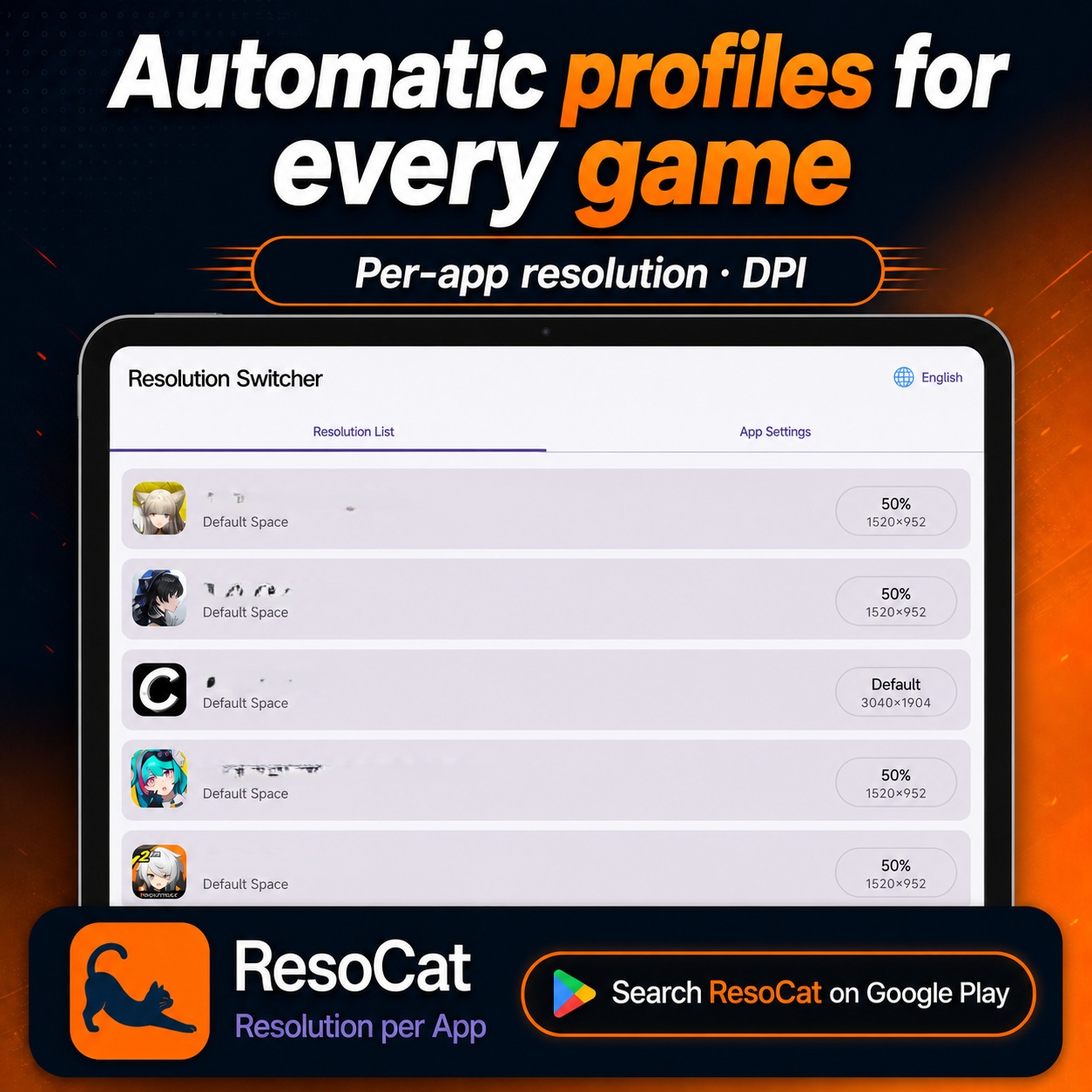
Save custom resolution and DPI settings for different apps.
Apply the assigned profile when a configured app opens and restore your saved default when it closes.
Access recovery from the app, notifications and widgets, with emergency reset options.
ResoCat
See per-app profiles and display controls in action.
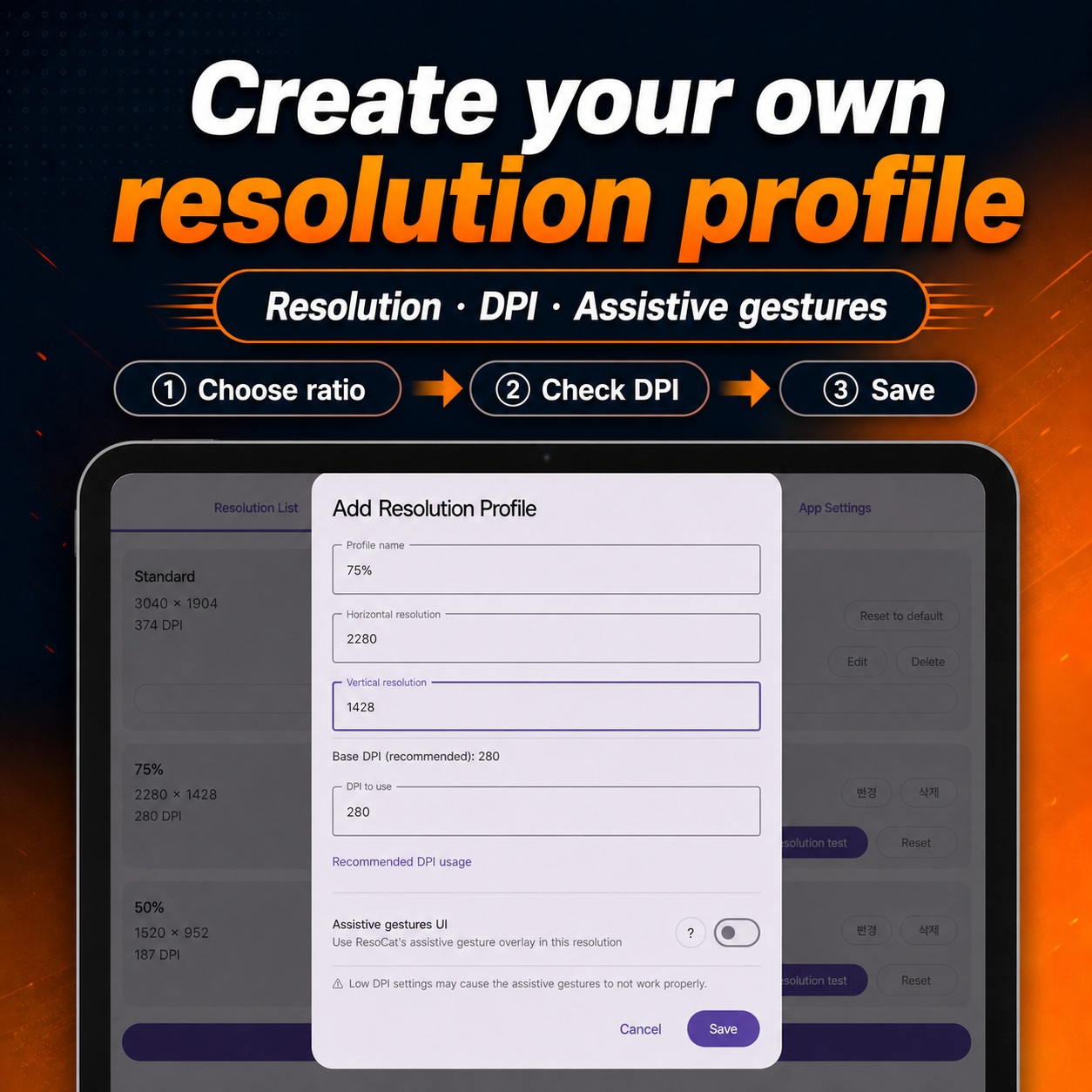
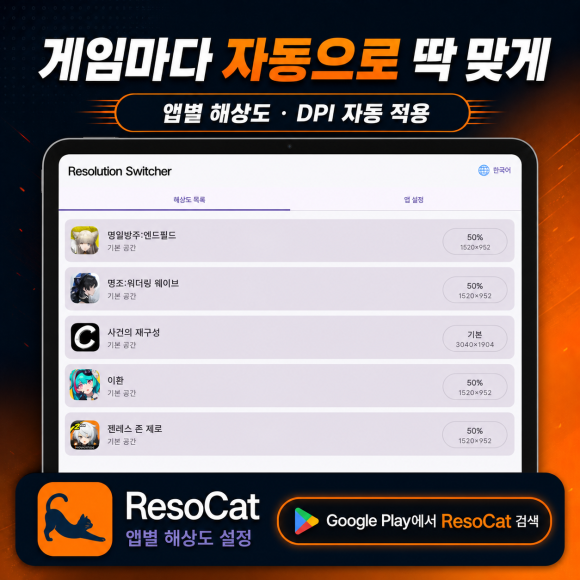
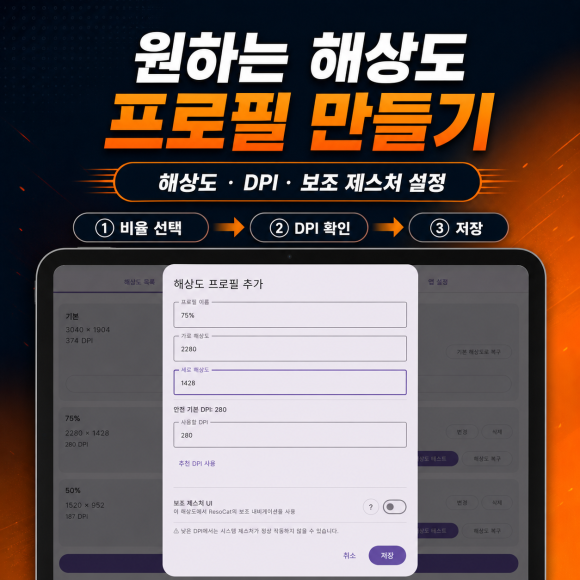
Interface examples from my ResoCat posts. Language and appearance may differ by app version and device; the values shown are examples, not recommended defaults.
Try all features for 14 days. Ads may appear during the free period. Premium is a one-time purchase for permanent use and ad removal, not a subscription. Prices vary by region.
Get it on Google PlayDisplay changes can affect system UI, navigation and app layouts. Avoid extreme values. ResoCat does not guarantee better FPS, lower temperatures or longer battery life.
Read the guide →ResoCat · Android
Start with the difference between resolution and DPI, then build a display profile that suits each app. ResoCat automates Android display settings, but a display change may leave a game’s internal rendering unchanged and does not guarantee higher FPS, less heat or longer battery life. Try all features for 14 days; ads may appear during the free period. Premium is a one-time purchase for permanent use and ad removal, not a subscription.
Assign resolution and DPI profiles per app to apply them automatically when configured apps open and restore saved display defaults when they close. Read the in-app guide, prepare Shizuku or ADB access, and save your defaults with a recovery route ready before making changes. Avoid extreme values and test modest adjustments on your device first.
ResoCat lets you save resolution and DPI profiles and assign them to Android apps. It applies the assigned display profile when a configured app opens and restores your saved default settings when it closes. This switches Android display settings rather than editing individual app media files. Check the values on your own device before relying on automatic switching.
The resolution setting concerns the logical pixel dimensions Android uses for the display; DPI affects how interface elements and text are scaled and arranged. Neither setting adds physical pixels to the screen panel or converts photo or video files. An app or game can also use its own internal rendering resolution, which may not change with the display profile.
Yes. ResoCat requires access through Shizuku or ADB to change display settings. Follow the instructions inside the app for your device and Android version, check that access is available, and test a modest profile first. Device support and behavior can vary; avoid improvised commands or extreme values outside the guidance.
Rendering workload can change in some circumstances, but changing Android display resolution may not affect the game’s internal rendering. FPS also depends on the device, game settings and thermal conditions. No gaming performance test results are claimed here, and ResoCat does not guarantee better FPS, lower temperatures or longer battery life.
This page does not provide verified Wuthering Waves benchmark results or a compatibility guarantee, and no partnership with the game is claimed. Any result depends on the game’s internal rendering, settings and version, as well as the device. Display changes may not affect internal rendering at all. Check the game’s own settings first and do not assume a performance benefit.
Save your default display settings before making changes and review recovery from the app, notifications and widgets, including the emergency reset instructions. Use an accessible recovery route to restore those saved defaults if a profile causes trouble. Extreme values can disrupt system UI, navigation and app layouts, potentially making controls difficult to reach. Recovery is not an unconditional guarantee, so test small changes first.